
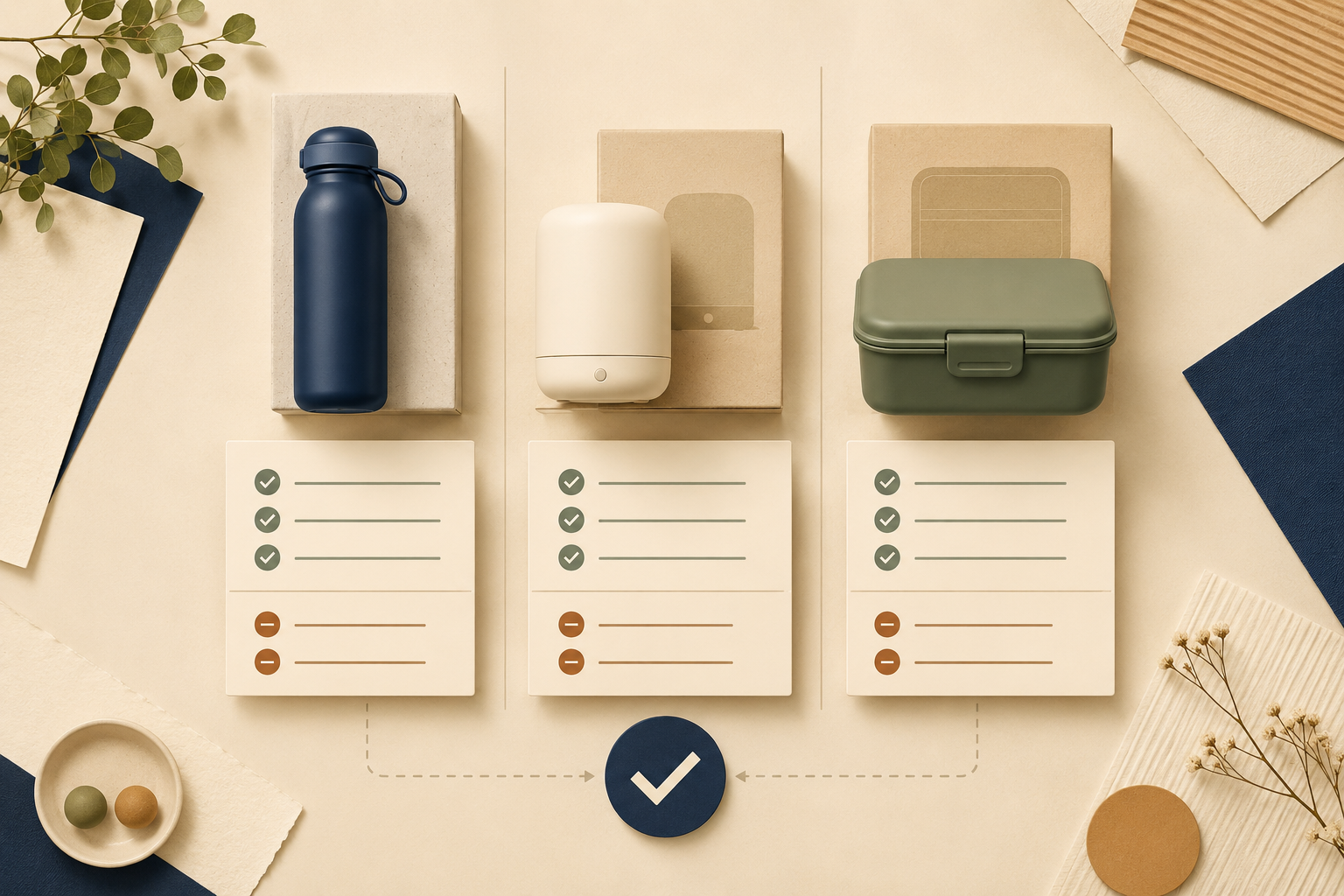
Comparing products online is easier when you use the same criteria for every option instead of jumping between random specifications, reviews and prices.
Last reviewed: August 21, 2026. Prices, product versions and retailer policies can change, so verify current details before buying.
To compare products online, start with products that solve the same problem, decide what matters before looking for a winner, compare verified information side by side, and include the total cost, warranty, seller and long-term ownership experience. The best option is not always the cheapest or the one with the longest specification list.
Start with
A shortlist of products that genuinely fit the same use case.
Compare
The same criteria, versions, prices, accessories and conditions for every option.
Verify
Official specifications, independent reviews, seller terms and ownership costs.
Decide by
Overall fit and acceptable trade-offs—not a single score or the lowest price.
What does it mean to compare products online?
Comparing products online does not mean finding the product with the highest rating, the lowest price or the largest number in a specification sheet. It means putting several realistic options through the same decision process and recording where each one is stronger, weaker or simply different.
A fair comparison should answer practical questions:
- Do these products solve the same problem?
- Are they being compared at the same level of configuration?
- Which differences will affect my actual use?
- What will each product cost beyond the checkout price?
- What happens if the product arrives faulty or becomes difficult to use?
The goal is not to declare one product universally best. The goal is to understand the trade-offs well enough to choose the option that fits your own priorities.
If you are still deciding which products deserve to be on your shortlist, start with How to Research a Product Before Buying.
1. Start with products that are genuinely comparable
The first comparison mistake often happens before the comparison begins. People place products in the same table simply because they appear in the same search results. That does not mean they are interchangeable.
Before comparing, check whether the products have:
- The same general purpose;
- A similar size, capacity or performance class;
- A comparable intended user;
- Similar compatibility requirements;
- A realistic place in the same budget range.
For example, a compact entry-level product and a professional model may both appear under the same category, but they may be designed for completely different workloads. Comparing them only by price or headline performance will produce a misleading conclusion.
2. Decide what matters before looking for a winner
Choose your comparison criteria before reading rankings or deciding which product feels most impressive. Otherwise, the first attractive feature you see may quietly become the standard for the entire comparison.
Divide your criteria into three groups:
- Must-have: A requirement the product cannot fail.
- Nice-to-have: Useful, but not worth a major compromise.
- Deal-breaker: A problem that removes the product from consideration.
Your priorities may be different from another shopper’s. One person may care most about low upfront cost. Another may use the product every day and care more about durability, support or repairability. A product comparison is only useful when the criteria reflect the person who will own the product.
3. Compare like with like
Two products can look cheaper or better only because they are being listed under different conditions. Before filling in your comparison table, normalize the details that can distort the result.
Check whether you are comparing the same:
- Model year or generation;
- Storage, capacity or memory;
- Colour or size variant, when it changes the price;
- Included accessories and bundled services;
- Warranty length and warranty provider;
- Delivery, installation or setup terms;
- Currency, region and retailer conditions.
A lower price may simply mean fewer accessories, a shorter warranty or a different version of the product. Record those differences instead of treating the displayed prices as directly comparable.

4. Build one comparison table
Do not rely on memory while switching between browser tabs. Put the information in one table so that every product is judged against the same questions.
| Criterion | Product A | Product B | Product C |
|---|---|---|---|
| Meets my must-haves? | Yes / No | Yes / No | Yes / No |
| Current price | Record price and date | Record price and date | Record price and date |
| Important specification | Exact value | Exact value | Exact value |
| Included accessories | List what is included | List what is included | List what is included |
| Warranty and returns | Short note | Short note | Short note |
| Expected ownership cost | Price + extras | Price + extras | Price + extras |
| Main concern | One clear concern | One clear concern | One clear concern |
| Best fit | Who it suits | Who it suits | Who it suits |
Keep each cell short. The table is not meant to contain every fact you can find. It is meant to make the differences that affect your decision visible.
5. Verify the information behind each claim
Different sources are useful for different types of information. Treating every source as equally reliable is one of the easiest ways to build a comparison table on weak evidence.
| Source | Best for checking | What to watch for |
|---|---|---|
| Manufacturer | Official specifications, dimensions, compatibility and warranty wording. | Marketing claims may describe ideal conditions. |
| Independent review | Performance, usability, limitations and testing observations. | Check the method, date and sponsorship. |
| Owner feedback | Long-term problems, daily frustrations and support experience. | One extreme review is not a complete pattern. |
| Retailer | Current price, stock, delivery, bundle and return terms. | Listings can contain errors or outdated specifications. |
Use the manufacturer’s page to confirm what the product is supposed to be. Use independent reviews and owner feedback to understand what ownership may actually feel like. For more detail on specifications, see How to Compare Product Specifications.
6. Compare the specifications that affect your use
Do not copy every specification into the table. Choose the few that connect directly to your must-have requirements.
For each number or technical term, ask:
- What does this specification measure?
- Does it change how I will use the product?
- Is the difference large enough to notice or justify the price?
A larger number is not automatically a better experience. More power may mean more noise or energy use. More storage may be unnecessary. A higher resolution may matter for cropping but not for the way you normally view the product.
Use How to Compare Specifications That Actually Matter when you need to translate technical differences into practical consequences.
7. Compare the full cost, not only the checkout price
The first price you see is often the easiest number to compare, but it is not always the most useful one. Add the costs that are likely to appear during ownership.
- Required accessories or adapters;
- Delivery, installation or setup;
- Subscriptions, software or app fees;
- Consumables, filters, batteries or replacement parts;
- Energy use and routine maintenance;
- Potential repairs and support costs.
A product that costs less today may cost more over several years. That does not mean the most expensive option is automatically the best value. It means the price should be judged alongside how often you will use the product and what it requires to keep working.
Read What Is Total Cost of Ownership? and How to Calculate the Real Cost of Owning a Product for the full calculation.
8. Compare the seller, warranty and return policy
The same model can be a better or worse purchase depending on where you buy it. Include the seller in the comparison instead of treating the retailer as an afterthought.
Check:
- Whether the seller is authorised or reputable;
- Delivery cost and estimated delivery time;
- Whether returns cover change of mind as well as faults;
- Who pays return shipping;
- Who handles warranty claims;
- Whether proof of purchase is required;
- How repairs, replacements or refunds are handled.
A warranty and a return policy are not the same thing. A return policy may allow you to send back an unsuitable product, while a warranty usually describes what happens when the product develops a covered fault.
See How to Read a Product Warranty before treating a longer warranty as an automatic sign of better quality.

9. Use reviews to test your comparison table
Once your table is mostly complete, use reviews to challenge it. Do not read reviews only to confirm the product you already prefer.
Search the product name with terms that match your concerns:
common problemslong-term reviewreplacement partscompatibilitynoise,overheatingorleakreturnorwarranty claim
Look for repeated patterns across sources. One negative review may describe a defective unit or an unusual use case. The same problem appearing in independent reviews, owner discussions and long-term testing deserves more weight.
For a detailed reliability checklist, read How to Tell Whether an Online Review Is Trustworthy.
10. Make the decision from trade-offs
At the end of the comparison, do not force every product into one overall score. A single score can hide the reason one product is better for one person and worse for another.
For example, Product A may have the lowest upfront price. Product B may be better for frequent users because it is easier to maintain. Product C may only make sense if its premium feature is important to your workflow.
If you are comparing only two final options, continue with How to Compare Two Products Fairly.
Common comparison mistakes
Stronger comparisons
- Use the same criteria for every product.
- Record model, version and price date.
- Separate facts from personal priorities.
- Include warranty, returns and ownership cost.
Weak comparisons
- Compare different versions without noticing.
- Let the lowest price decide everything.
- Copy a ranking without checking its criteria.
- Use one review or one score as the final answer.
Other common mistakes include buying the premium model “just in case”, ignoring the cheapest option before checking its actual fit, and continuing to research after the important trade-offs are already clear.
A 15-minute product comparison workflow
When you need a practical answer rather than an exhaustive investigation, use this process:
- Minutes 1–2: Write three must-haves and one deal-breaker.
- Minutes 3–4: Confirm that the products are genuinely comparable.
- Minutes 5–7: Record price, version, key features and included accessories.
- Minutes 8–10: Check the most important review patterns and ownership concerns.
- Minutes 11–13: Compare warranty, returns, delivery and additional costs.
- Minutes 14–15: Write who each product is best for and choose the lowest-risk fit.
The purpose of this workflow is not to remove every possible uncertainty. It is to catch the differences most likely to cause an expensive or frustrating mistake.
The bottom line
To compare products online properly, make the comparison consistent before you make it detailed. Start with products that solve the same problem, decide what matters, normalize their versions and purchase conditions, and record the evidence in one table.
Then look beyond the specification sheet. Compare reviews, seller support, warranty, returns and the full cost of ownership. The winning product is usually not the one that has the biggest number in every row. It is the one that fits your priorities with the fewest serious downsides.
Use the same questions for every product, but allow the answer to depend on your own priorities. A fair comparison creates clarity; it does not pretend that one product is perfect for everyone.
Frequently asked questions
How many products should I compare online?
Three to five realistic options are usually enough. More options often add noise unless they represent genuinely different solutions to the same problem.
What is the best way to compare products?
Choose your criteria first, confirm that the products are comparable, then record the same information for each option in one table. Include price, important features, reviews, warranty, returns and ownership cost.
Should I compare price or features first?
Start by checking whether each product meets your essential requirements. Then compare price and value. A cheap product that fails a must-have is not a useful bargain.
How do I compare different versions of the same product?
Check the exact model, generation, capacity, storage, included accessories, warranty and region. Do not assume two similarly named listings contain the same product.
Is the cheapest product usually the best value?
No. The cheapest product may require extra accessories, have a shorter warranty or cost more to maintain. Compare the full ownership cost and how well it fits your actual use.
How do I know whether two products are comparable?
Confirm that they solve the same problem for a similar user and workload. If one product is designed for occasional basic use and the other for professional work, explain that difference instead of treating them as direct substitutes.