
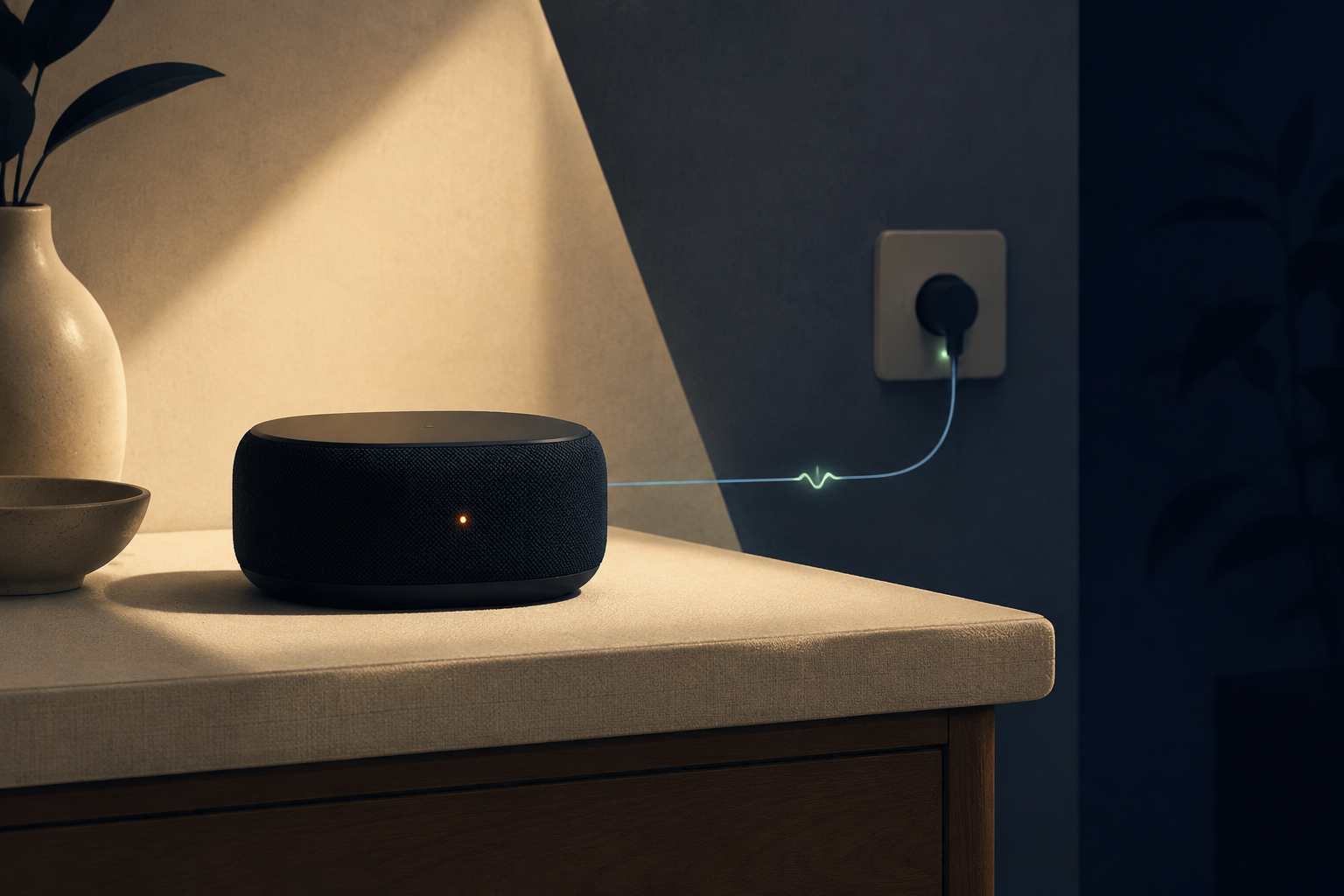
A device can look switched off while still drawing a small amount of electricity. Standby power explains what happens in that low-power state, why some devices need it, and when reducing it is worth the effort.
Last reviewed: August 22, 2026. Device features, power modes, product standards and electricity prices can change, so check current specifications before buying.
Standby power is the electricity a device uses while it is switched off, inactive or not performing its main function. It may keep a clock, remote-control receiver, network connection, indicator light, scheduled task or quick-start feature working. One device may use very little, but many devices connected all the time can add to household energy use.
Still connected
The device remains plugged into a power source even though its main function is not running.
Low-power state
It uses less power than it does when active, but it may not use zero power.
Waiting for something
The device may be listening for a remote command, network signal, timer or user input.
Small amounts add up
A single device may not matter much, but a home can have many products connected day and night.
What does standby power mean?
Standby power is the electricity a product uses when it is connected to a power source but is not performing its primary function. The device may appear to be off, but some internal circuits remain active.
For example, a television may be waiting for a remote-control signal. A microwave may keep its clock running. A printer may maintain a network connection. A game console may stay ready for a faster start.
The U.S. Department of Energy describes standby power as the electricity used in a product’s lowest energy-consuming mode, which often happens when the product is switched off or not performing its main function.
This article uses the consumer electronics meaning of standby power. It is not about standby generators, emergency power systems or backup batteries.
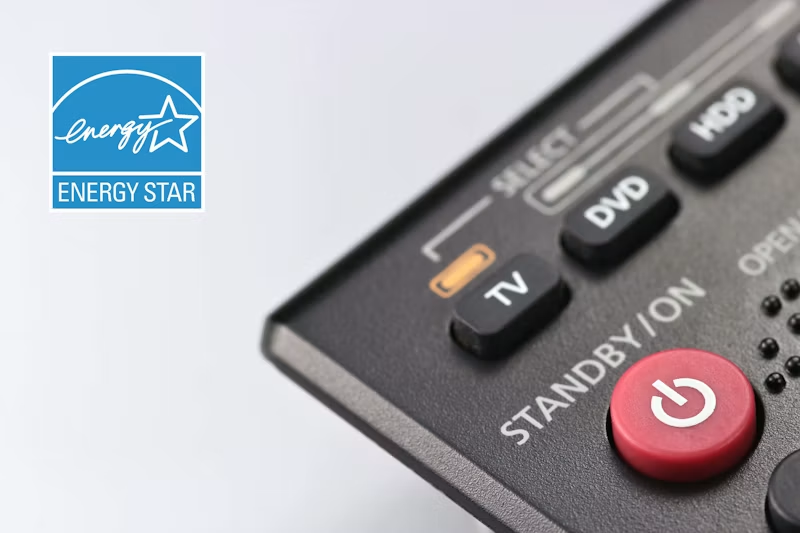
Why do devices use power when they are off?
Standby power usually supports a feature that works before the main function starts. It is not always a design mistake or a completely wasted load.
Remote control
A television, sound system or air conditioner may need a small amount of power to receive a remote signal.
Clock and timer
A microwave, oven or other appliance may keep a display or timer running while its main heating function is off.
Network connection
A printer, speaker, camera or smart appliance may stay connected so it can receive commands from an app or network.
Quick start
A device may keep part of its system ready so it can turn on, wake up or resume more quickly.
Some standby features are useful. Others may be features you never use. That distinction matters because turning off a standby function can remove convenience or connectivity, while turning off an unnecessary feature may reduce energy use without affecting your normal routine.
Standby vs sleep vs idle vs off mode
Product makers and testing standards do not always use these labels in exactly the same way. The names can also differ between product categories. The following table gives a practical consumer explanation.
| Mode | What the device is doing | Common example |
|---|---|---|
| On mode | Performing its main function. | A television is displaying content. |
| Idle mode | Still on and ready, but waiting for input. | A computer is active but not being used. |
| Sleep mode | Using reduced power and able to wake after activity or a signal. | A monitor wakes when you move the mouse. |
| Standby mode | Using low power while waiting for a command or supporting function. | A TV waits for a remote-control signal. |
| Off mode | At the lowest available state without disconnecting from the outlet. | A product keeps only limited monitoring or control functions. |
| Networked standby | Maintaining a network connection while the main function is inactive. | A smart device waits for an app or online command. |
The International Energy Agency describes measurement methods that can cover standby, off mode and network mode. For a buying decision, the most important point is to check which mode a product specification is actually describing.
Which devices commonly use standby power?
Standby power is common in products that include a remote control, a clock, a battery charger, a network connection or an automatic function.
Entertainment equipment
Televisions, streaming boxes, game consoles, sound systems and disc players may remain ready for remote commands or quick start.
Office equipment
Computers, monitors, printers, docking stations and external displays may enter sleep or low-power modes when not in use.
Smart home products
Wi-Fi routers, smart speakers, security cameras, smart lights and smart plugs need power to receive signals or remain connected.
Small appliances
Microwaves, ovens, cordless phones and battery chargers may continue using power for clocks, controls or charging circuits.
Products in the same category can use different amounts of standby power. Older designs, external power supplies and always-connected features may affect the result, so do not assume that every television, charger or printer behaves the same way.
How much energy does standby power use?
Standby power is usually described in watts. Watts show the rate of power use at a moment in time. To estimate the energy used over a year, multiply the standby power by the number of hours the device remains connected.
For example, a device that continuously draws 1 watt would use approximately 8.76 kWh over a full year. The electricity cost depends on your local price per kWh, so the same standby load can have different costs in different homes and countries.
| Continuous standby power | Approximate annual energy | What changes the real result? |
|---|---|---|
| 0.5 W | 4.38 kWh | Whether the device remains connected all year. |
| 1 W | 8.76 kWh | Whether the product enters a deeper off mode at certain times. |
| 2 W | 17.52 kWh | Whether network, display or quick-start features stay active. |
| 5 W | 43.8 kWh | How often the product is fully switched off or unplugged. |
These are illustrations of continuous loads, not promises about particular products. A single low-power device may have a small effect, but many connected devices can create a larger combined load.
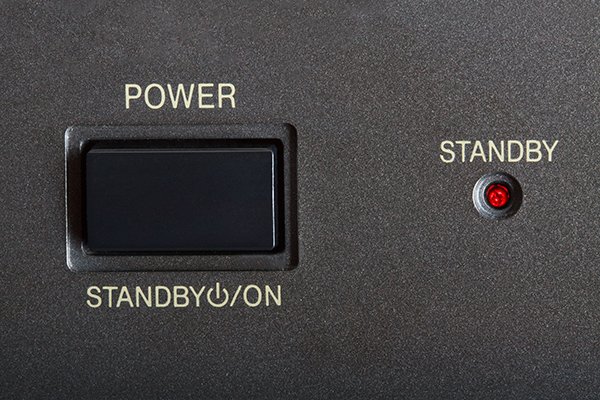
How to measure standby power
You can start with the product specifications, but a measurement is more useful when the manufacturer does not provide a clear figure or when you want to see the effect of a setting.
How to reduce standby power
The best action depends on what the device needs to do. Start with settings and groups of equipment that are easy to switch off.
- Enable sleep and automatic power-off settings.
- Turn off instant-on features if you do not use them.
- Disable network wake functions when they are unnecessary.
- Unplug chargers and adapters that are not being used.
- Connect entertainment equipment to a switched power strip.
- Switch off a group of devices when you leave for a long period.
- Choose products that publish low standby power figures.
- Keep only the connected features that provide a real benefit.
You do not need to make every device completely powerless every night. A sensible goal is to reduce unnecessary continuous loads without removing functions you rely on.
When should you not unplug a device?
Unplugging can reduce standby power, but it is not always the right action. Some devices need to stay connected to provide safety, communication or essential household services.
Keep connected when needed
- Wi-Fi router needed for continuous internet;
- Security or monitoring equipment;
- Smoke alarms and other safety systems;
- Medical equipment;
- Refrigerators and freezers;
- Devices with important scheduled functions.
Often easier to switch off
- Unused chargers;
- Old entertainment equipment;
- Guest room electronics;
- Printers used occasionally;
- Desk accessories used only during work;
- Decorative devices that do not need remote access.
Reducing standby power should not interrupt a function you depend on. If switching off a product would remove internet access, security coverage, medical support or food refrigeration, the convenience and service may matter more than the small energy saving.
Should you buy a product with lower standby power?
Lower standby power can be useful, especially for products that remain connected all day and night. It is more relevant when you own several similar devices or expect to keep the product for many years.
When comparing products, check:
- Standby, sleep, off mode and networked standby figures;
- Whether the product has a real off switch;
- Whether automatic power management can be adjusted;
- Whether quick-start or network features can be disabled;
- Whether the product provides the right performance and useful functions;
- Whether the price difference is justified by the expected ownership period.
The U.S. Department of Energy’s low standby power guidance uses a 1 watt limit for certain federal purchasing categories when compliant products are available. That is a procurement rule for specific products, not a universal household threshold that applies to every device worldwide. See the current DOE low standby power guidance for its scope and assumptions.
Standby power can also become one part of a product’s running cost. For the wider financial picture, see What Is Total Cost of Ownership? and How to Calculate the Real Cost of Owning a Product.
The bottom line
Standby power is the electricity a device uses while it is not performing its main task but remains connected, ready or partially active. It can support remote control, network access, clocks, timers, quick start and other useful functions.
The right response is not to unplug everything. Check which devices use standby power, measure the ones that matter, switch off unnecessary features and keep important services connected. A small load becomes worth attention when it runs continuously or is repeated across many devices.
Look at what standby power is doing, how much it uses and whether you need the function. Reduce unnecessary continuous loads without giving up safety, connectivity or useful convenience.
Frequently asked questions
What is standby power in simple terms?
Standby power is the electricity a device uses while it is switched off, inactive or not performing its main function but remains connected to a power source.
Why does my TV use electricity when it is off?
It may still power the remote-control receiver, indicator light, network connection, clock or quick-start system. The amount depends on the model and its settings.
Is standby power the same as phantom power?
In everyday consumer discussions, phantom power, vampire power and phantom load are often used for the same type of electricity use. Product standards may use more specific mode names.
Is standby power the same as sleep mode?
They are related low-power states, but the exact meaning depends on the product and test standard. Sleep mode usually describes a reduced-power state that can wake after activity, while standby is often used for a device waiting for a command.
Do chargers use electricity when they are plugged in?
Some external power supplies can draw a small amount of power when connected without actively charging a device. Modern designs may use very little, but the exact result varies by charger and model.
Does standby power use a lot of electricity?
A single modern device may use a small amount. The combined effect can be more noticeable when many products remain connected continuously, especially older or always-connected equipment.
How can I measure standby power at home?
Use a suitable plug-in power meter between the outlet and the device. Wait for the product to enter its low-power mode, then compare readings with different settings if needed.
Should I unplug my TV every night?
You can switch it off at the wall if you do not need remote control, network access, updates or quick start. It is not necessary to unplug every TV, and the benefit depends on its standby power and your electricity price.
Should I turn off my Wi-Fi router?
Only if you do not need continuous internet access or connected services. Turning off a router may interrupt security devices, smart home functions, phone calls or other important connections.
Is one watt of standby power a lot?
One watt continuously uses about 8.76 kWh per year. Whether that matters depends on your electricity price, how many devices have the same load and whether the standby function is useful to you.
What is networked standby?
Networked standby is a low-power state in which a device keeps a network connection so it can receive an app command, remote request, update or other signal while its main function is inactive.