
Turning a device off with its remote control does not always stop it using electricity. Switching it off at the wall can remove that standby load, but the saving depends on the device, the hours it stays connected and whether you still need its network, timer or safety functions.
Last reviewed: August 23, 2026. Power modes, product features and electricity prices vary, so use the decision framework with your own devices and tariff.
Yes, turning a device off at the wall can save electricity when the device would otherwise continue drawing standby power. The saving is usually most worthwhile for unused groups of electronics, older devices or products that stay connected for long periods. It is not a reason to disconnect routers, security equipment, medical devices, refrigerators or anything that needs a timer, network connection or continuous operation.
Switch off
Use the wall switch for unused electronics with a measurable standby load and no important connected function.
Keep connected
Leave essential, networked, temperature-controlled or safety-related equipment powered when it needs to work.
Measure first
If the saving or the side effects are unclear, measure the device or whole power strip before changing your routine.
Compare the trade-off
A small energy saving may not be worth losing remote access, scheduled tasks or a convenient quick start.
Does turning devices off at the wall save electricity?
Usually, yes. If a device is still connected to the mains and drawing standby power, switching it off at the wall can stop that electricity use. The saving is not automatic for every device, because some products already use very little in their lowest mode and some need to remain powered for a useful reason.
For the basic concept, see What Is Standby Power? For the watt-to-kWh calculation, see How Much Electricity Does Standby Mode Use? This article focuses on the practical decision: whether disconnecting a particular device is worth the energy saving and the inconvenience.
The Energy Efficiency and Conservation Authority recommends switching off appliances that are not being used, including devices on standby, at the wall. It also points to smart technology as one way to control equipment and avoid energy use when it is not needed. Read EECA’s energy-saving guidance.
What changes when you switch a device off at the wall?
Using a remote control or the device’s normal power button may place it into standby or sleep. The wall switch is different because it normally cuts the device’s connection to the outlet. That can stop standby power, but it also stops the functions that depend on that connection.
| Function | When the device stays connected | After the wall switch is off |
|---|---|---|
| Remote control | The device can listen for a remote or app command. | It normally cannot receive the command until power returns. |
| Network access | The device may remain available on Wi-Fi or another network. | Network access stops while the device is disconnected. |
| Timer or schedule | The clock or scheduled task can continue to operate. | The task may be delayed, lost or reset depending on the product. |
| Quick start | Part of the system can remain ready for a fast wake-up. | The next start may take longer or require a full boot. |
| Standby electricity | The device may continue using a small amount of power. | The device usually stops taking power from that wall outlet. |
This is why the question is not simply “Can I turn it off?” A better question is “What stops working when I turn it off, and how much energy would I actually save?”
When does switching off make a meaningful difference?
Switching off at the wall is more likely to be worthwhile when three conditions overlap: the device has a measurable standby load, it stays connected for many hours, and you do not need its connected functions during that time.
Annual saving (kWh) = standby watts x hours disconnected per day x 365 ÷ 1,000Annual cost saving = annual saving (kWh) x your electricity price per kWh
For example, if a group of devices draws 5 watts in standby and you disconnect it for 16 hours every day:
If the group draws only 0.5 watts, the same routine would save about 2.92 kWh per year. That may still matter to someone reducing overall energy use, but it may not justify buying a new smart plug or making the routine harder to follow.
Which devices are good candidates to switch off?
Start with electronics that sit unused for long periods and do not need to respond while you are away. A physical wall switch or power strip is especially useful when several devices can be disconnected together.
| Good candidate | Why switching off may help | Check before disconnecting |
|---|---|---|
| Spare television or streaming box | It may remain ready for a remote, update or network command even when rarely used. | Automatic recordings, updates and remote access. |
| Gaming console | A group switch can remove standby power between gaming sessions. | Downloads, cloud synchronisation and scheduled updates. |
| Printer or spare monitor | Office equipment often sits connected for much longer than it is used. | Network printing, scheduled jobs and shared office access. |
| Speakers and audio equipment | Remote receivers and indicator circuits can remain active between uses. | Multi-room audio, alarms or scheduled playback. |
| Unused chargers and adapters | Some continue to draw a small no-load amount while left connected. | Whether they are actually needed for another device. |
These are starting points, not a ranking of every product. A modern device may use very little standby power, while an older or always-ready product may deserve more attention.
Which devices should stay connected?
Some equipment needs power continuously or needs a network connection to perform its job. Turning these devices off may save electricity, but it can also remove the service you bought them to provide.
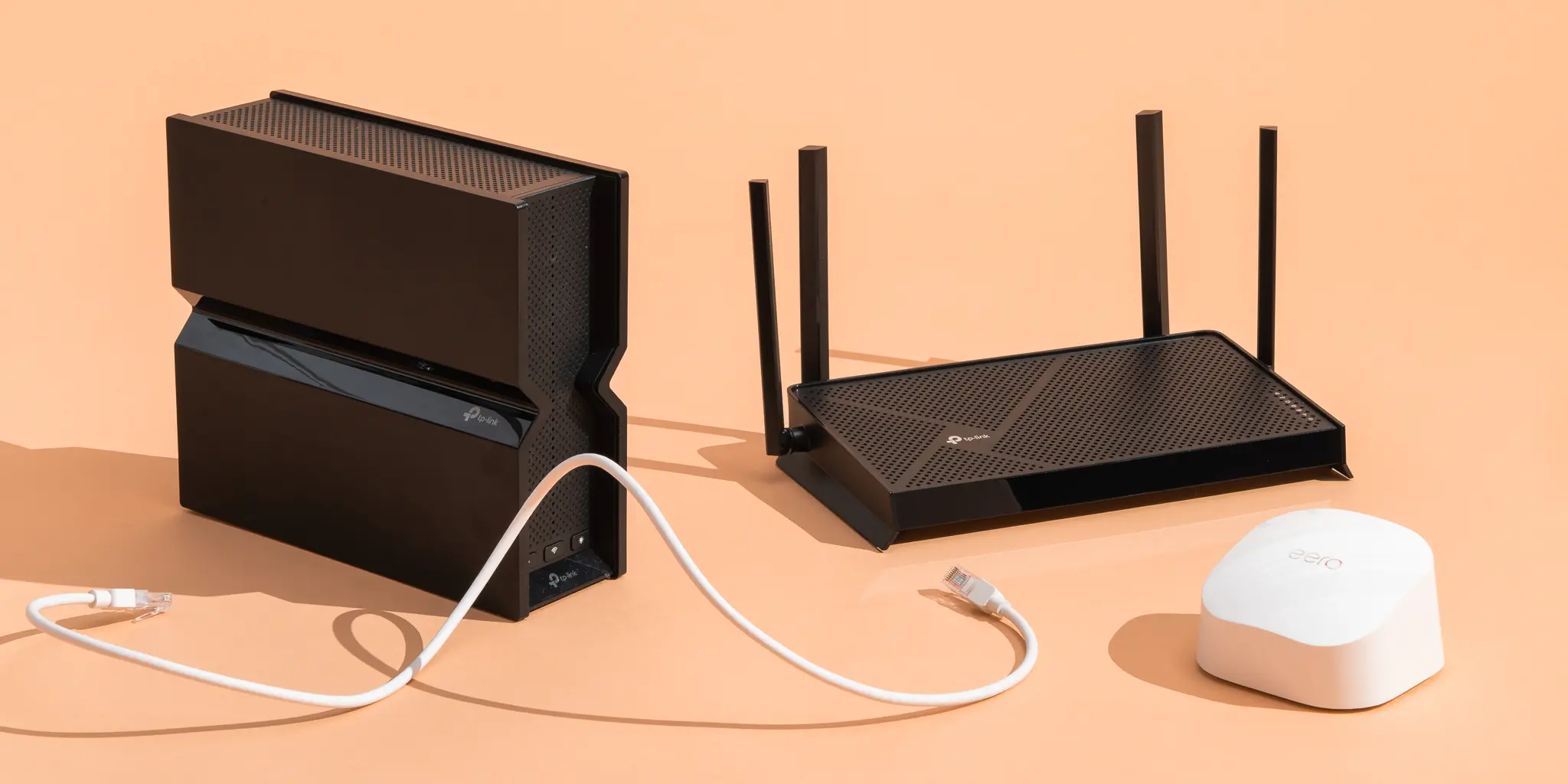
Routers and mesh systems
Keep them on when you need internet access, connected security devices, Wi-Fi calling or remote access. Consider a schedule only if the downtime is genuinely acceptable.
Security and safety equipment
Alarms, cameras, monitoring equipment and other safety-related systems should remain powered if their function depends on continuous availability.
Medical equipment
Do not disconnect equipment that supports health or care without following the instructions from the provider or a qualified professional.
Temperature-controlled appliances
Fridges, freezers and other equipment that must maintain temperature are not ordinary standby targets. Their main function requires power.
Wall switch, power strip or smart plug?
The best control method is the one that makes the saving easy without disconnecting equipment that should remain powered.
| Option | Main benefit | Main limitation | Best use |
|---|---|---|---|
| Wall switch | Simple and does not require another connected device. | Requires manual access and may disconnect everything on that outlet. | A single unused appliance or a clearly labelled outlet. |
| Power strip | One switch can disconnect a group of electronics. | It can accidentally remove power from equipment that should stay on. | A television cabinet or desk where the devices share the same schedule. |
| Smart plug | Can schedule or control a device remotely. | It needs its own connection and may use some electricity. | A predictable routine where remote control is genuinely useful. |
| No change | Preserves every feature and avoids extra effort. | Does not reduce standby power. | A very low load or a device whose connection is important. |
ENERGY STAR recommends using a power strip as a central turn-off point for computers and peripheral equipment so the power supply can be completely disconnected when the setup is not in use. See the ENERGY STAR guidance.
Does switching off at the wall damage devices?
For ordinary electronics, using a properly rated wall switch or power strip is not usually a problem. The bigger risk is not the physical act of removing standby power. It is cutting power while the device is saving data, installing an update, recording, downloading or performing another task.
Shut a computer or console down through its normal controls before switching off the wall. Do not disconnect a device in the middle of a firmware update or a scheduled job. The U.S. Department of Energy recommends completely shutting down computers during long periods of non-use and notes that this does not shorten their life. Read the DOE computer guidance.
Product design still matters. Some devices lose their clock or settings when disconnected. Others restart slowly, reset network connections or need to complete a setup process. Check the manual when the behaviour is unclear.
Should you measure before changing your routine?
Measure first when the expected saving is small or the device’s behaviour is unclear. A plug-in electricity meter can show whether the whole setup draws 0.5 watts, 5 watts or much more while it appears to be off.
The Department of Energy explains that some devices consume electricity while they appear to be off and points to IEC 62301 as a method for measuring standby power. Read the DOE standby measurement overview.
Does standby saving matter more than active energy use?
Not always. For some products, the electricity used while they are actively heating, cooling, displaying or running may be more important than the standby load. Turning a television off at the wall can remove its standby use, but choosing a more efficient model or reducing long viewing hours may have a larger effect.
Energy labels also use assumptions. EECA explains that television and monitor labels use a stated pattern of active and standby hours, so the annual number is a comparison guide rather than a guarantee of your personal bill. See EECA’s TV and monitor guidance.
For a wider ownership decision, connect standby energy with What Does Energy Efficiency Actually Mean?, What Is Total Cost of Ownership? and How to Calculate the Real Cost of Owning a Product.
How do you decide what to switch off?
Ask three questions
1. Does this device need to stay connected? If it supports a network, timer, safety function, temperature or health-related service, keep it connected unless the manual says a scheduled shutdown is safe.
2. Does it use a meaningful amount of standby power? Check the specification or measure it. Do not buy extra hardware to solve a load that is already close to zero.
3. Can I disconnect it without creating a new problem? Consider updates, recordings, data, convenience and whether someone else in the home relies on the device.
| Result | Practical action |
|---|---|
| No connection needed, measurable standby, safe to disconnect | Use the wall switch or a labelled power strip. |
| Connection is needed, even if standby is low | Leave it powered and look for a lower-power setting or schedule. |
| Power use and side effects are unclear | Measure the device or check the product manual before changing the routine. |
The bottom line
Turning devices off at the wall can save electricity by removing standby power, but the biggest opportunities are usually unused electronics and groups of devices that stay connected for long periods. The saving may be small for one modern device, so use your own watt reading and electricity rate rather than a universal claim.
Keep routers, security equipment, medical devices, refrigerators and other essential equipment connected when their function depends on continuous power. For everything else, measure first when the answer is not obvious, then choose the simplest control that you will actually use.
Switch off unused electronics, keep essential services powered, and measure the uncertain cases before making a new habit.
Frequently asked questions
Does switching a television off at the wall save electricity?
Usually, yes, if the television still draws standby power after you use its normal power control. The saving depends on the model, its settings and how long it would otherwise remain connected.
Is it better to switch off at the wall or unplug?
Both can stop power from reaching the device. A wall switch or power strip is usually more convenient than repeatedly unplugging cables, but make sure the switch does not also disconnect equipment that needs to stay powered.
Should I turn my Wi-Fi router off at the wall every night?
Only if you do not need the connection overnight and the shutdown will not affect security, phone service, smart devices or other users. A router’s electricity use can be justified when the network needs to remain available.
Does a power strip eliminate standby power?
A switched power strip can disconnect the devices connected to its switched outlets. The strip may still have a small indicator or control load, so measure the whole setup if the saving matters.
Do smart plugs save more electricity than a wall switch?
Not automatically. A smart plug adds scheduling and remote control, but it also needs power to remain connected. It is most useful when the routine is predictable or manual switching is difficult.
Can switching off devices at the wall damage them?
Normal use of a properly rated switch or power strip should not usually damage ordinary electronics. Avoid cutting power during updates, recordings, downloads or data-saving operations, and follow the product instructions for equipment with special requirements.
Should I switch my fridge or freezer off at the wall?
No, not as a normal standby-saving measure. Fridges and freezers need continuous power to control temperature. Only disconnect them when the product instructions and the situation make that appropriate.
How can I tell whether switching off is worth it?
Measure the device or power strip, estimate the hours you could safely disconnect it, multiply the resulting kWh by your electricity price and compare the saving with the inconvenience or lost features.