
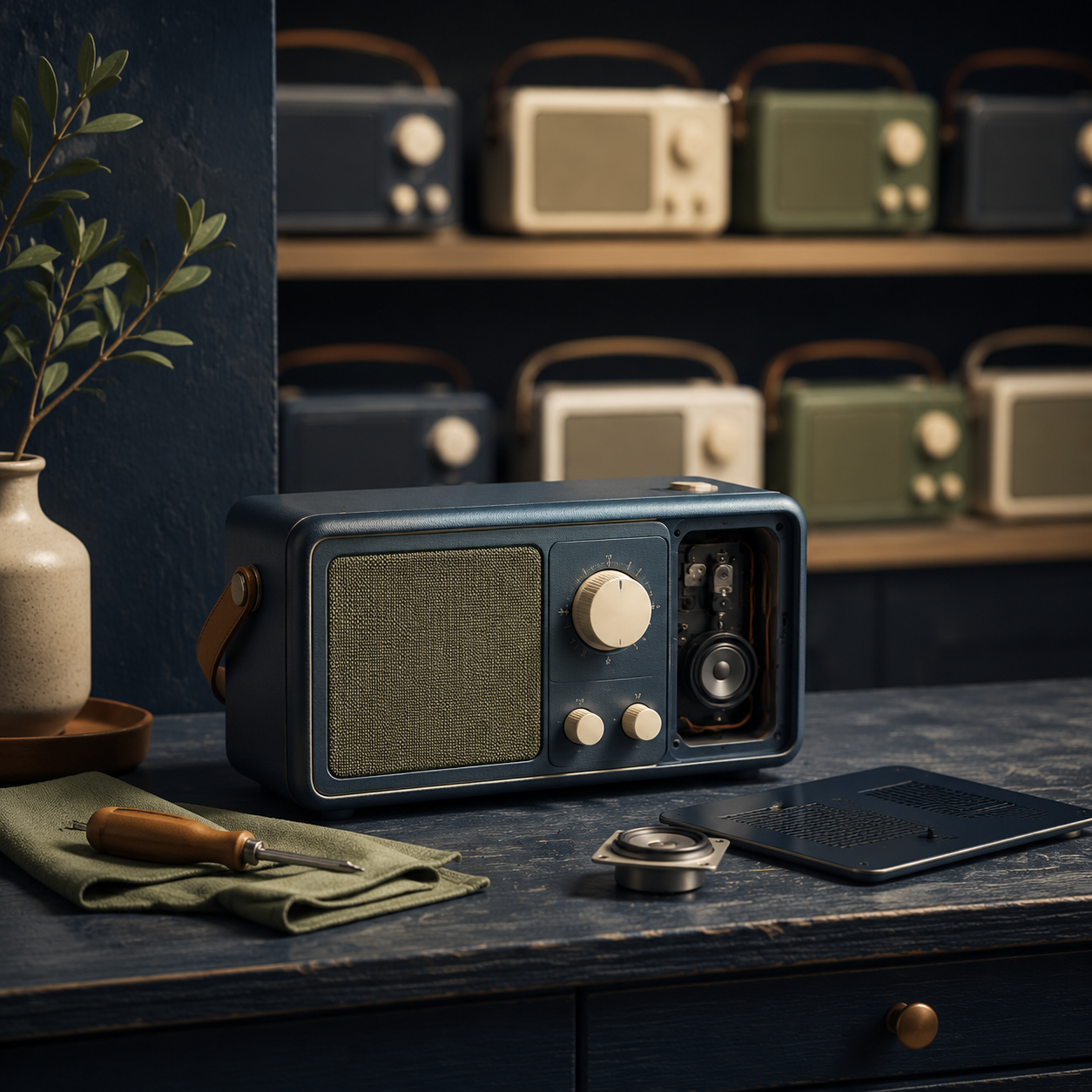
Planned obsolescence is the idea that a product or service is designed, supported or marketed to become outdated sooner than necessary, encouraging replacement. A short product life does not by itself prove that intention.
A practical guide to the different forms of obsolescence, the limits of the claim and how to buy for longer use.
Planned obsolescence describes a possible business or design strategy that shortens a product’s useful or attractive life so people replace it sooner. It can involve physical durability, repair access, software support, parts, compatibility or marketing. However, normal wear, genuine security needs, new standards and changing consumer preferences can also make a product feel outdated. Look for evidence before turning a suspicion into a conclusion.
People usually ask about planned obsolescence after a familiar frustration: a phone still works but no longer receives updates, a battery becomes difficult to replace, a printer refuses a compatible cartridge, or a newer version makes last year’s product look old. Those experiences can reveal a design or business choice, but they can also have several explanations.
The useful question for a buyer is not simply “Is this company making me replace things?” It is “Which parts of this product’s future can I investigate before I pay?” Repairability, software support, parts availability, compatibility and total cost give you more practical information than a label or an angry headline. A useful starting point is to compare the specifications that actually matter and understand how smart-device features depend on software and services.
What is planned obsolescence?
Planned obsolescence is commonly used to describe a deliberate decision that makes a product, component or service have a shorter economic life than it could otherwise have. The goal may be to encourage more frequent replacement, upgrades or purchases. The term can refer to physical failure, technical incompatibility, limited repair options or a product becoming socially undesirable.
The concept is not as precise as it sounds. A European Parliament briefing notes that there is no single overarching definition and that proving intentional shortening of a product’s life can be difficult. That matters because the same outcome can arise from very different causes.
Functional failure
A component wears out or breaks. That may reflect poor durability, ordinary wear or an intentional life limit; evidence is needed to tell which.
Technical ageing
A product remains physically usable but loses compatibility, updates, network access or access to important software.
Perceived ageing
Marketing, fashion or design changes make a working product feel old, even though it still meets the owner’s needs.
The main forms of obsolescence
1. Durability or functional obsolescence
This is the most literal version: the product stops working, or a critical part fails, earlier than a reasonable buyer would expect. A weak hinge, sealed battery, fragile connector or difficult-to-replace part can shorten the practical life of an otherwise repairable product.
Early failure does not automatically establish a plan to cause failure. Materials, safety margins, manufacturing variation and the intended use all matter. If a product has a pattern of premature faults, look for independent repair data, warranty information and credible testing rather than relying on one anecdote.
2. Repair obsolescence
A product can remain technically repairable while being uneconomic or impractical to fix. Proprietary screws, glued assemblies, unavailable parts, software pairing or a repair price close to a new product can all reduce the chance that an owner will repair it.
Repairability is not only about whether a skilled technician can open a product. It also includes whether manuals, diagnostic tools, parts and reasonable pricing are available. A product with a replaceable battery but no replacement battery for sale is not very repairable in everyday practice.
3. Software and support obsolescence
Phones, computers, televisions, cars and smart-home products may age because software support ends. Sometimes older hardware cannot meet the requirements of a new operating system. Sometimes a company ends updates, closes a cloud service or changes account requirements. The product may still turn on, but important functions or security protections disappear.
Support endings can be frustrating without being proof of planned obsolescence. Security updates require resources, cloud services cost money to maintain, and standards change. A buyer can still treat support length as a real ownership factor and choose a product with a published update policy.
4. Compatibility and ecosystem obsolescence
A product may be pushed toward replacement when accessories, chargers, cartridges, apps or connected services change. A new connector can eventually improve convenience, but it can also strand older accessories. A device that only works with a discontinued service may have a shorter useful life than its hardware suggests.
Before buying into an ecosystem, check whether common accessories use open standards, whether third-party replacements exist and whether the product can perform basic functions without a cloud account. This is one reason smart-device ownership needs a longer view than the hardware specifications on the box.
5. Style and perceived obsolescence
Sometimes the product works perfectly, but advertising encourages the owner to see it as outdated. Annual colour changes, new shapes and feature comparisons can make a recent product feel inadequate. This form is less about a hidden technical switch and more about how status, novelty and marketing influence replacement decisions.

Why is planned obsolescence difficult to prove?
“Planned” implies intent, and intent is rarely visible in a product listing. A company may know that a battery is difficult to replace, but that does not by itself show that the design was chosen specifically to force an early purchase. A new software requirement may reflect genuine security or engineering constraints. A product may fail because of poor quality control rather than a deliberate lifespan target.
Use the term carefully: repeated failure, a short warranty or a new model launch can be warning signs worth investigating, but none is conclusive on its own. Avoid making accusations about a named brand unless reliable evidence supports the claim.
For buyers, this distinction is useful rather than academic. It shifts attention from trying to read a company’s motives to checking the product’s measurable conditions: expected support, repair cost, parts access, battery design, warranty and compatibility.
Signals and what they do not prove
| Signal | What it may mean | What it does not prove by itself |
|---|---|---|
| Battery is sealed or difficult to replace | Repair may require specialist tools and labour, shortening practical ownership. | That the maker intentionally chose a battery life to force replacement. |
| Parts are expensive or hard to find | The product may be uneconomic to repair after a fault. | That parts were deliberately withheld rather than affected by supply or low demand. |
| Software updates end | Security, apps or cloud functions may no longer work as well. | That the update limit was set solely to sell a new model. |
| New models arrive every year | Marketing may encourage frequent upgrades. | That the previous model stopped meeting the owner’s needs. |
| Proprietary accessories are required | The ecosystem may make switching or repairing more expensive. | That proprietary design is always unnecessary or intentionally harmful. |
How to buy for a longer useful life
You do not need to predict every future product update. A few checks before buying can reduce the chance that your ownership ends because of an avoidable limitation. When the choice is between a current model and an older one, comparing new versus refurbished products can also reveal whether you are paying for useful support or simply novelty.
Define the job, not the trend. Write down the functions you actually need. If a cheaper model already handles them, the annual upgrade cycle has less power over your decision.
Check support promises. Look for a published software and security-update policy, especially for phones, computers, routers, cameras and smart-home products. Note whether the promise starts at launch or at your purchase date.
Investigate repairability. Search for replacement batteries, parts prices, repair manuals, independent repair options and common failure points. A high repairability score is helpful, but verify that parts can actually be purchased.
Prefer replaceable wear parts. Batteries, filters, seals, storage and other consumables often determine useful life. Check their availability and cost before you assume the product will last.
Check standards and compatibility. Open connectors, common file formats and independent accessories can keep a product useful when one brand changes direction.
Calculate the full ownership cost. Include accessories, subscriptions, repairs, consumables and likely replacement timing. The total cost of ownership can reveal that a higher upfront price is sensible—or that it is simply paying for features you will not use.
Repair, replacement and the cost of waiting
Planned obsolescence becomes a buying problem when a product’s short useful life changes the economics of ownership. Replacing a low-cost device every two years may cost more than buying a repairable model and keeping it for five years. But paying extra for durability only makes sense if the product is genuinely supported and you will use it long enough to benefit.
When something fails, compare repair and replacement using the remaining support life, repair price, energy use, performance and availability of parts. IZSCA’s repair versus replace framework can help structure that decision. A more energy-efficient replacement may be reasonable for an old appliance, while replacing a lightly used device for a cosmetic update may create unnecessary cost and waste. If energy is part of the decision, understanding energy consumption helps separate actual running cost from the emotional pressure to upgrade.
Buying refurbished can also extend a product’s life. A well-tested previous-generation laptop or phone may provide the functions you need without creating demand for another new unit. Read what refurbished means and how to buy refurbished products safely, then verify the seller’s testing, battery condition, warranty and support rather than assuming the label solves every risk.
What is changing around durability and repair?
Consumer policy is increasingly focused on clearer information about durability, repairability and environmental claims. For example, the European Commission describes EU rules that strengthen information for consumers making greener choices, including measures related to durability and repairability and restrictions on misleading sustainability claims.
Rules vary by market and product category, and a policy direction is not the same as a universal guarantee for every item sold today. Treat official durability information as another data point, then read the actual warranty, repair terms and support commitment for the product you are considering.
Frequently asked questions
Does planned obsolescence mean every product is designed to fail?
No. The term describes a possible strategy or outcome, not a universal explanation for product ageing. Wear, manufacturing problems, safety changes, software limits and new standards can all shorten usefulness without proving deliberate early failure.
Is ending software support planned obsolescence?
It can contribute to technical obsolescence, especially when a product remains physically capable but loses important functions. Ending support may also reflect security, engineering or business constraints. Check the published support period and the effect on the features you need.
Are annual product updates a form of planned obsolescence?
Annual releases can encourage perceived obsolescence through marketing, but a new model does not automatically make the previous one obsolete. Compare the new features with your actual needs and expected ownership period.
How can I avoid products with a short useful life?
Choose products with replaceable wear parts, accessible repairs, clear support policies, common standards, available accessories and a warranty that matches the expected lifespan. Also check independent reviews for recurring faults rather than relying only on brand claims.
Is buying a more expensive product always the answer?
No. A premium model may last longer, but it may also include features you do not need or expensive proprietary parts. Compare durability evidence and total cost of ownership, not price or status alone.