
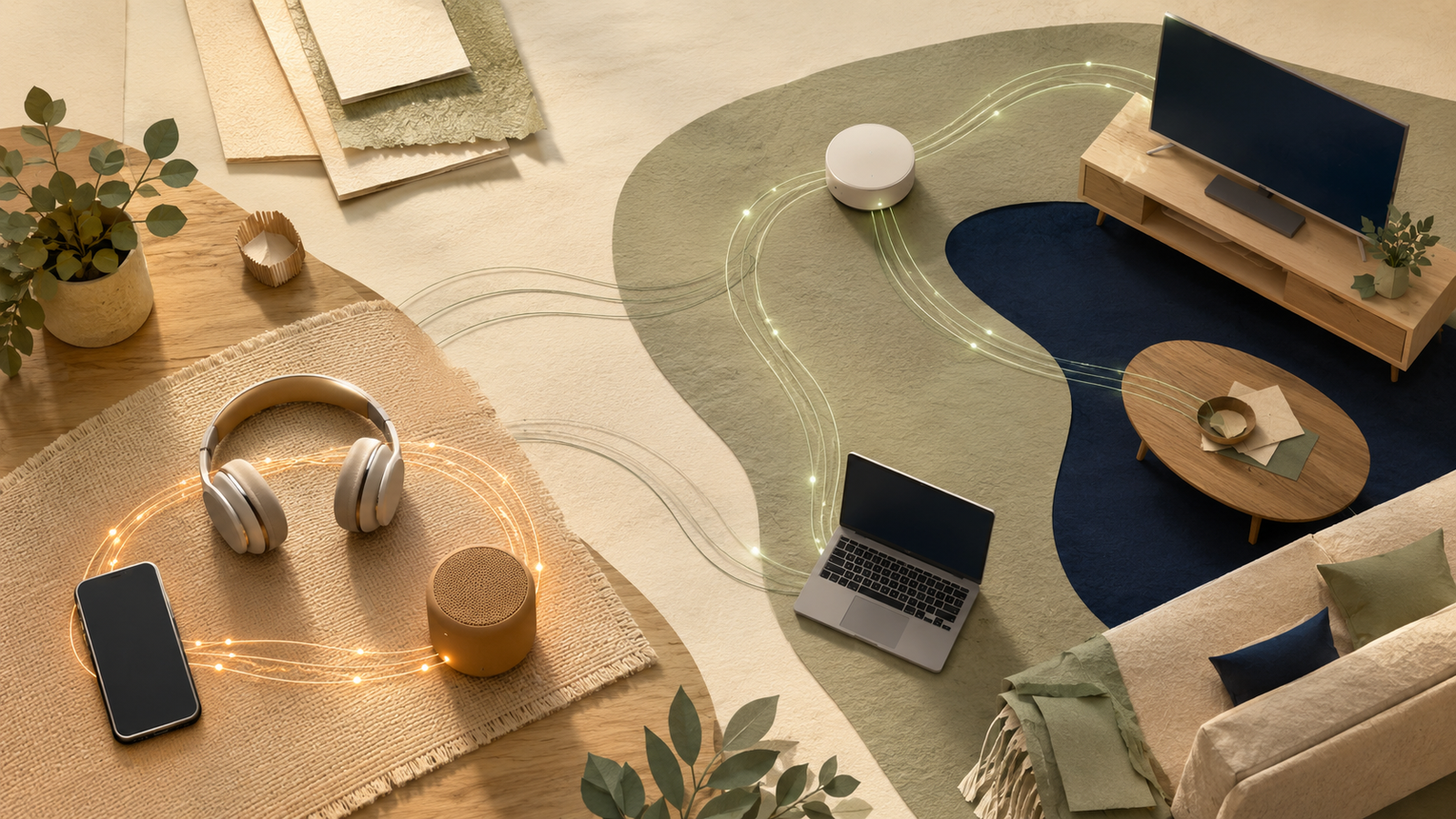
Bluetooth and Wi-Fi both connect devices wirelessly, but they are designed for different jobs. The right choice depends on whether you need a simple nearby connection, internet access, higher data capacity or longer battery life.
Last reviewed: August 23, 2026. Wireless features vary by device, operating system and connection standard, so check the specifications for the products you use.
Bluetooth usually makes more sense for nearby personal accessories such as headphones, keyboards, mice, watches and controllers. Wi-Fi usually makes more sense when a device needs internet access, has to join a home network, moves larger amounts of data or serves several devices. They are not mutually exclusive: a phone can use Wi-Fi for the internet and Bluetooth for its headphones at the same time.
Choose Bluetooth for
Direct device-to-device connections, portable accessories, simple controls and many battery-powered products.
Choose Wi-Fi for
Internet access, high-bandwidth activity, home networks, cloud features and multiple connected devices.
Check the power source
Bluetooth often suits small batteries, while Wi-Fi is common in devices that stay plugged in.
Remember both can work together
Some products use Bluetooth for setup or discovery and Wi-Fi for their ongoing network connection.
What are Bluetooth and Wi-Fi?
Bluetooth and Wi-Fi are both wireless communication technologies, but they are built around different connection patterns.
Bluetooth is commonly used to connect a nearby device directly to an accessory or another personal device. That is the connection between a phone and wireless headphones, a laptop and keyboard, or a watch and phone. Bluetooth Classic is widely used for audio and continuous accessory connections, while Bluetooth Low Energy is designed for devices that send smaller bursts of information while using less power. The official Bluetooth technology overview describes both radio options and their different use cases.
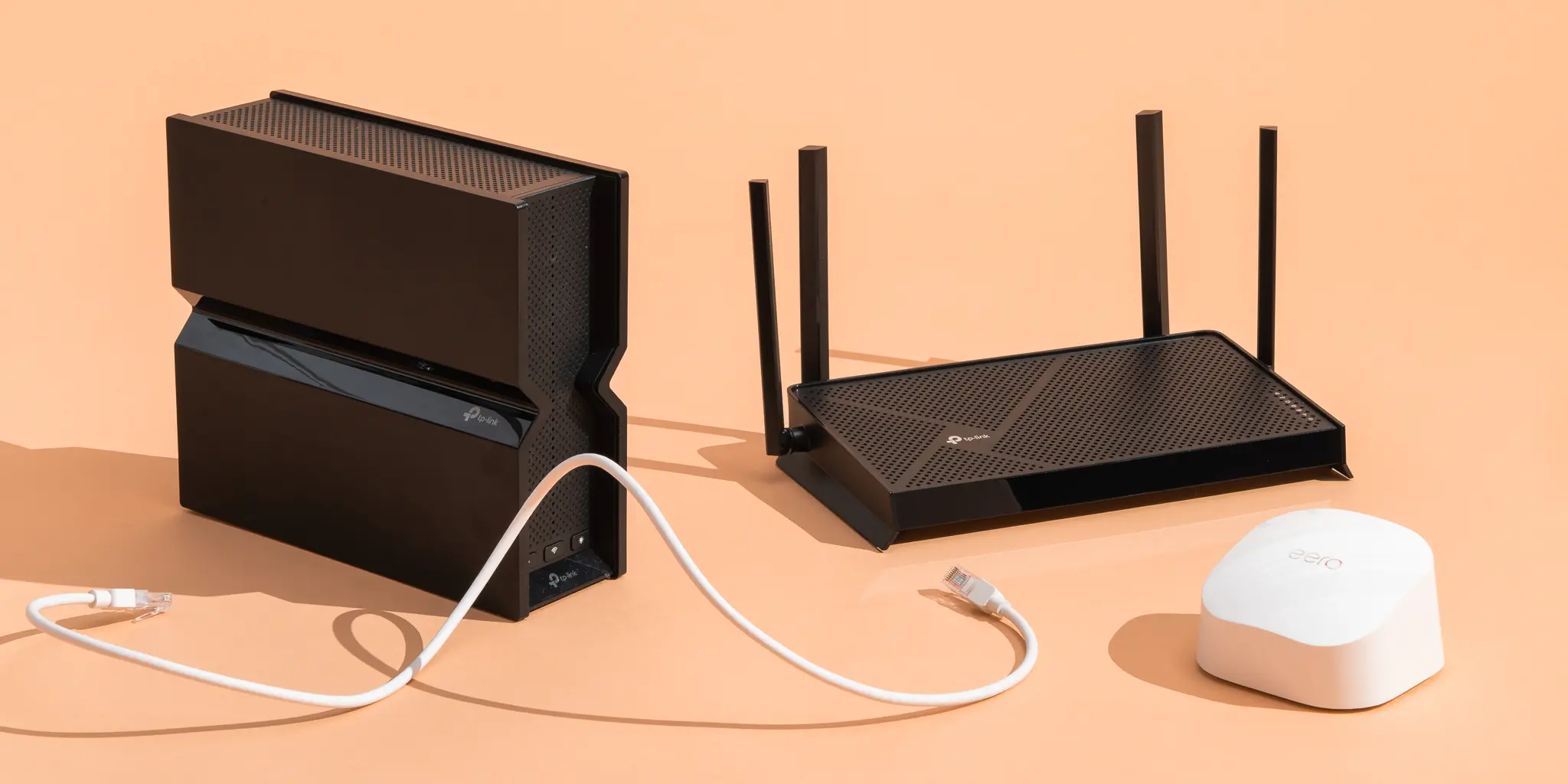
Wi-Fi is normally used to connect devices to a local network through a router or access point. That network can then provide internet access, shared files, printers, streaming and communication between multiple devices. Wi-Fi can also support direct device-to-device modes in some products, but most people experience it as the network that connects their home or workplace.
Bluetooth vs Wi-Fi at a glance
The table below describes common consumer use. It is not a promise that every Bluetooth or Wi-Fi product will behave in exactly the same way.
| Factor | Bluetooth | Wi-Fi |
|---|---|---|
| Main purpose | Connect nearby personal devices and accessories. | Connect devices to a local network and often the internet. |
| Typical setup | Pair a device with a host or accessory. | Join a network using a name, password or another setup method. |
| Router required? | Usually no for a direct connection. | Usually yes for a normal home or office network. |
| Data needs | Usually small to moderate, although Bluetooth Classic supports uses such as audio. | Better suited to larger transfers, streaming and many simultaneous connections. |
| Power profile | Often a good fit for portable and battery-powered devices. | Common in devices with a larger battery or continuous mains power. |
| Common examples | Headphones, watches, keyboards, mice, controllers and trackers. | Phones, laptops, TVs, cameras, printers, speakers and smart-home devices. |
| Main trade-off | Less suitable for large data flows or whole-home networking. | Can require more configuration, power and network infrastructure. |
When does Bluetooth make more sense?
Bluetooth is usually the better choice when two devices are close to each other and one is acting as an accessory to the other. You do not need to create a home network just to connect a pair of headphones or a wireless mouse.
Bluetooth is especially practical when:
- The connection is personal and local rather than shared across a whole home;
- The device needs to run from a small battery;
- The data is mainly audio, controls, sensor readings or short messages;
- You want a quick connection without a router or access point;
- The device may move with you, such as headphones, a watch or a controller.
That does not mean Bluetooth is limited to one exact device pair in every technical design. Bluetooth LE can support different communication patterns, including broadcasting and mesh applications. For ordinary buying decisions, however, the useful question is whether the product needs a nearby personal connection or a full network.
When does Wi-Fi make more sense?
Wi-Fi becomes more useful when the device needs access to the internet, other devices on the same network or a larger and more continuous flow of data.
Choose Wi-Fi as a starting point when:
- A camera or doorbell needs to send video to an app or cloud service;
- A television needs to stream films or television services;
- A computer needs to download, upload or sync larger files;
- Several people or devices need to use the same connection;
- You want remote access while away from the house;
- The product is designed to remain plugged in and online.
Wi-Fi is not automatically the right choice just because it offers more network capacity. A tiny sensor that sends one reading every few minutes may not need the power draw or configuration of a full Wi-Fi connection. Match the connection to the job instead of choosing the technology with the largest headline specification.
Which is better for common devices?
The device category gives you a useful starting point, but the product’s own specifications still matter. Some products support both technologies, while others are designed around only one.
| Device or task | Likely starting point | Reason |
|---|---|---|
| Wireless headphones | Bluetooth | Designed for a direct personal audio connection to a phone, tablet or computer. |
| Keyboard, mouse or controller | Bluetooth | Low data demands and simple local control usually matter more than network access. |
| Smartwatch or fitness tracker | Bluetooth | Useful for periodic syncing while preserving the device battery. |
| 4K television streaming | Wi-Fi | Needs access to online services and a more substantial data connection. |
| Security camera | Wi-Fi, if supported | Usually needs to send a continuous video stream to an app or recording service. |
| Large file transfer | Wi-Fi | A network connection is generally more suitable for moving larger files. |
| Smart plug or sensor | Depends on the product | Bluetooth may suit local control or setup; Wi-Fi may be needed for independent cloud access. |
| Car hands-free audio | Bluetooth | A direct phone-to-car connection handles calls and audio without joining the home network. |
If you are comparing devices before buying, do not stop at “supports Bluetooth” or “supports Wi-Fi”. Check the exact Bluetooth profile, Wi-Fi band, required app, internet requirement, power source and whether the feature works without a subscription. How to Compare Product Specifications can help you translate those details into practical differences.
Does Bluetooth need Wi-Fi?
Bluetooth does not normally need Wi-Fi or the internet to create a direct connection between two compatible devices. You can play locally stored audio through Bluetooth headphones even when the phone is not connected to the internet.
The confusion usually comes from the app or service behind the connection:
- Bluetooth can carry audio from a phone, but an online music service still needs internet access;
- A Bluetooth smart lock may work nearby, while remote access may require a hub or Wi-Fi connection;
- A wearable can sync locally over Bluetooth, while cloud backup needs the phone or watch to reach the internet;
- A smart-home product may use Bluetooth during setup and Wi-Fi for ongoing remote control.
Can devices use Bluetooth and Wi-Fi together?
Yes. In fact, using both is normal. A laptop may connect to the internet over Wi-Fi while sending keyboard and mouse input over Bluetooth. A phone may stream from a Wi-Fi service while using Bluetooth for headphones or a car stereo.
Some products also divide the setup process between the two technologies. Bluetooth can help a phone discover or configure a nearby device, after which the device joins the home Wi-Fi network for cloud access. This can make initial setup easier without making Bluetooth responsible for the product’s larger ongoing data needs.
The fact that both technologies operate in the 2.4 GHz spectrum in many common implementations does not mean they are interchangeable. It means the devices share a crowded part of the radio environment and have to manage coexistence. Keep the devices reasonably close, avoid placing a router directly beside a Bluetooth receiver and check the manufacturer’s troubleshooting guidance if audio or network performance becomes unreliable.
What about battery life, range and security?
Battery life
Bluetooth, particularly Bluetooth Low Energy, is often a sensible fit for small battery-powered devices that send short bursts of information. Wi-Fi may consume more energy when a device maintains a network connection or moves larger amounts of data, but actual battery life depends on the radio, software, signal quality and workload.
Do not treat Bluetooth as automatically energy efficient or Wi-Fi as automatically wasteful. Use the manufacturer’s battery estimates and look at the device’s real operating pattern. For more background on how to think about energy claims, see What Does Energy Efficiency Actually Mean?
Range and obstacles
Neither technology has one universal range. Bluetooth products are commonly designed for a nearby personal area, but Bluetooth SIG notes that stable range can vary dramatically depending on the radio, power level, antenna, device class and surroundings. Wi-Fi may cover a home through a router, but walls and placement can still create weak areas. The best choice is the one that works in the location where the device will actually be used.
For Wi-Fi-specific questions about coverage, speed and wall penetration, continue with Wi-Fi 2.4 GHz vs 5 GHz: What’s the Difference?
Security and privacy
Bluetooth is not automatically private simply because it is short-range, and Wi-Fi is not automatically unsafe because it connects to the internet. Bluetooth devices still need secure pairing, current software and sensible visibility settings. Wi-Fi networks need a strong password, current router security and careful decisions about which devices receive internet access.
For connected cameras, speakers and appliances, ask what data leaves the home, whether an account is required and how long the manufacturer supports the device. The wireless technology is only one part of the privacy decision.
How should you choose between Bluetooth and Wi-Fi?
Use these five questions before deciding:
- Does the device need the internet? If yes, Wi-Fi is usually the more direct fit, although a phone can provide internet through other connections in special cases.
- Is this a personal accessory or a shared network device? Personal accessories often suit Bluetooth; shared home devices often suit Wi-Fi.
- How much data will it move? Audio controls and sensor readings are different from 4K video or large files.
- What powers the device? Small batteries favour low-power designs, while plugged-in devices can support continuous networking more easily.
- Will you need remote access or several users? Cloud features, shared control and multiple clients usually point toward Wi-Fi or a hub-based system.
Bluetooth is the stronger fit when
- The devices stay relatively close.
- The connection is direct and personal.
- Power use and portability matter.
- The data volume is modest.
Wi-Fi is the stronger fit when
- The device needs the internet.
- Several devices need access.
- Streaming or file transfer matters.
- Remote control or cloud features are required.
If you are choosing between two products that use different wireless technologies, compare the complete ownership experience rather than the label alone. Look at setup, required hubs, subscriptions, battery replacement, compatibility, support and privacy. How to Compare Products Online provides a practical comparison framework.
Common Bluetooth and Wi-Fi mistakes
Better decisions
- Choose by connection purpose, not brand language.
- Check whether internet access is actually required.
- Consider power, distance and data volume together.
- Check the exact device profiles and app requirements.
- Accept that a product may use both technologies.
Common mistakes
- Assuming Bluetooth and Wi-Fi are interchangeable.
- Buying a Wi-Fi-only sensor that cannot run well on its battery.
- Assuming Bluetooth automatically provides remote access.
- Ignoring hubs, subscriptions or cloud accounts.
- Using fixed range or speed numbers as guarantees.
The bottom line
Bluetooth and Wi-Fi solve different connection problems. Bluetooth usually makes sense when a nearby accessory needs a simple, direct and relatively low-power link. Wi-Fi usually makes sense when a device needs a network, internet access, higher data capacity or shared control across a home.
The most useful question is not “Which technology is better?” It is “What does this device need to do, where will it be used and what will keep it powered?” Once you answer those questions, the right connection is usually much easier to identify.
Use Bluetooth for nearby personal connections. Use Wi-Fi for networked, internet-connected and data-heavy devices. When a product uses both, that is often a sign that each technology is doing the job it suits best.
Frequently asked questions
Is Bluetooth better than Wi-Fi?
Neither is always better. Bluetooth is usually better for nearby personal accessories and low-power connections. Wi-Fi is usually better for internet access, larger data transfers and networks with several devices.
Does Bluetooth use Wi-Fi?
Bluetooth can connect compatible devices without Wi-Fi or the internet. However, an app or service using that Bluetooth connection may still need Wi-Fi or mobile data for online features.
Can Bluetooth headphones work without Wi-Fi?
Yes. They can play audio stored on the phone or computer without Wi-Fi. Wi-Fi or mobile data is only needed if the audio source itself is online.
Is Wi-Fi faster than Bluetooth?
Wi-Fi is generally better suited to higher data volumes and larger transfers, but the exact result depends on the devices, standards, signal, interference and software. Avoid treating a theoretical maximum as a guaranteed speed.
Which is better for smart-home devices?
It depends on the device. Bluetooth can suit nearby, battery-powered or locally controlled products. Wi-Fi can suit devices that need independent internet access, remote control or continuous video and data. Some products use Bluetooth for setup and Wi-Fi for normal operation.
Does Bluetooth have a shorter range than Wi-Fi?
Bluetooth is commonly used for shorter personal connections, but range varies widely by device class, power, antenna and surroundings. Wi-Fi range also depends on the router, band, walls and placement, so compare the actual use case rather than relying on one universal distance.
Can a phone use Bluetooth and Wi-Fi at the same time?
Yes. A phone can use Wi-Fi for internet access while using Bluetooth for headphones, a car stereo, a watch or another accessory.
Is Bluetooth safer than Wi-Fi?
Not automatically. Bluetooth still needs secure pairing and updated software, while Wi-Fi needs a strong network password, current router security and careful management of connected devices. Privacy depends on the product and service as well as the wireless technology.